
The Bricks Builder cache plugin that knows what Bricks is.
Bricks keeps your page content where most cache plugins never look, renders CSS its own way, and opens the builder over the same URLs your visitors use. DJIA Cache is a Bricks Builder cache plugin built on Bricks sites, for Bricks sites.
Full access, no feature limits. No card required.
Measured on live Bricks sites
What this Bricks Builder cache plugin does
The problem
You save in Bricks. The front end doesn’t change.
With WP Rocket this is a documented, still-open issue: it does not clear its cache when a Bricks page is saved, so you purge by hand after every edit.
WP Rocket’s position is that Bricks should call WordPress’s own cache functions. Bricks hasn’t. Neither side has moved, and the people caught in between are the ones building the sites.
Edits made in the builder don’t reach the front end until the cache is purged manually. Reported by Bricks users, unresolved on both sides.
In DJIA Cache, this is one switch
Save in the builder, the cache clears, the front end shows your change. No extra step to remember — that is the one thing a Bricks Builder cache plugin has to get right.
Built around Bricks
Four things a generic cache plugin gets wrong here.
The builder is never cached
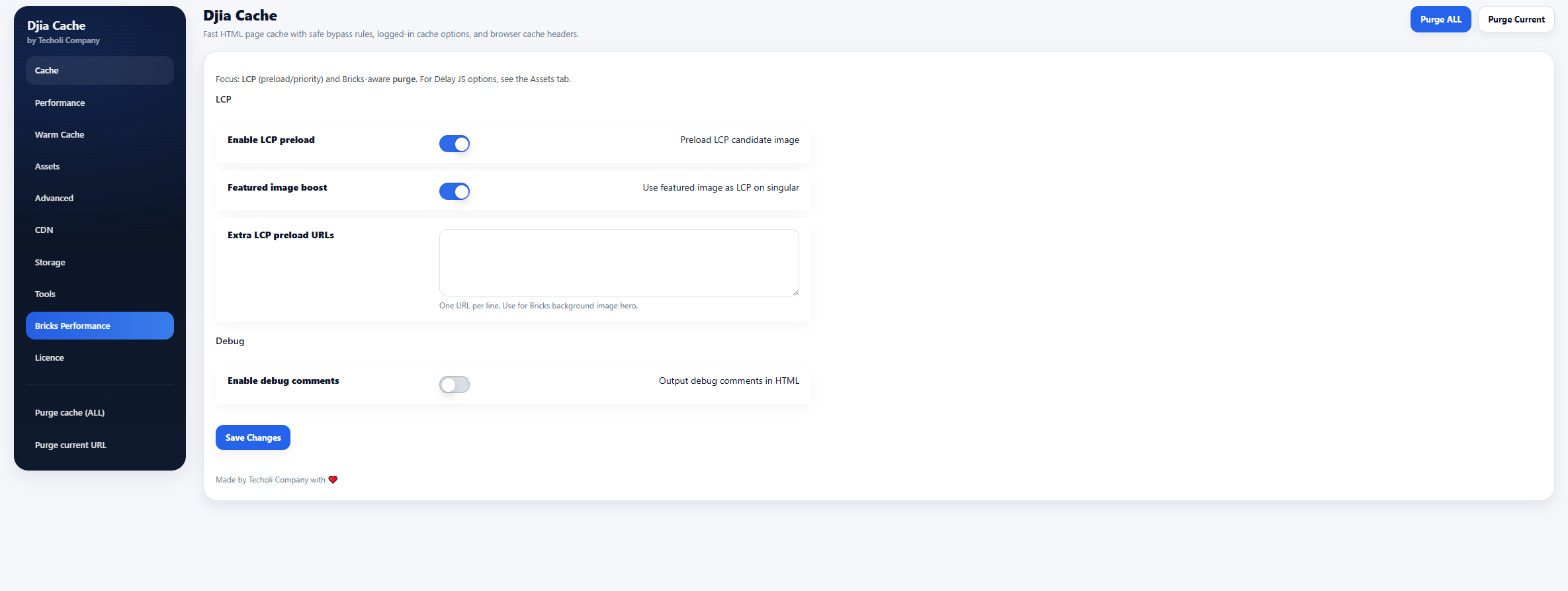
The bricks query parameter is in the bypass list by default, so opening the builder never serves a cached page and never writes one.
LCP preload made for Bricks
Bricks layouts often hide their largest element behind a section wrapper — exactly where generic preload logic guesses wrong. The Bricks tab preloads it, boosts the featured image, and takes extra LCP URLs by hand.
CSS handled the way Bricks delivers it
Query loop filters stay fast
If you run Djia Bricks filters, their AJAX responses are served straight from the drop-in, before WordPress loads.
WooCommerce on Bricks
A store can’t just be cached and forgotten.
A Bricks Builder cache plugin has to survive a real store, not just a brochure site. It is the objection Bricks users raise most often, and it is a fair one. So the rules ship switched on.
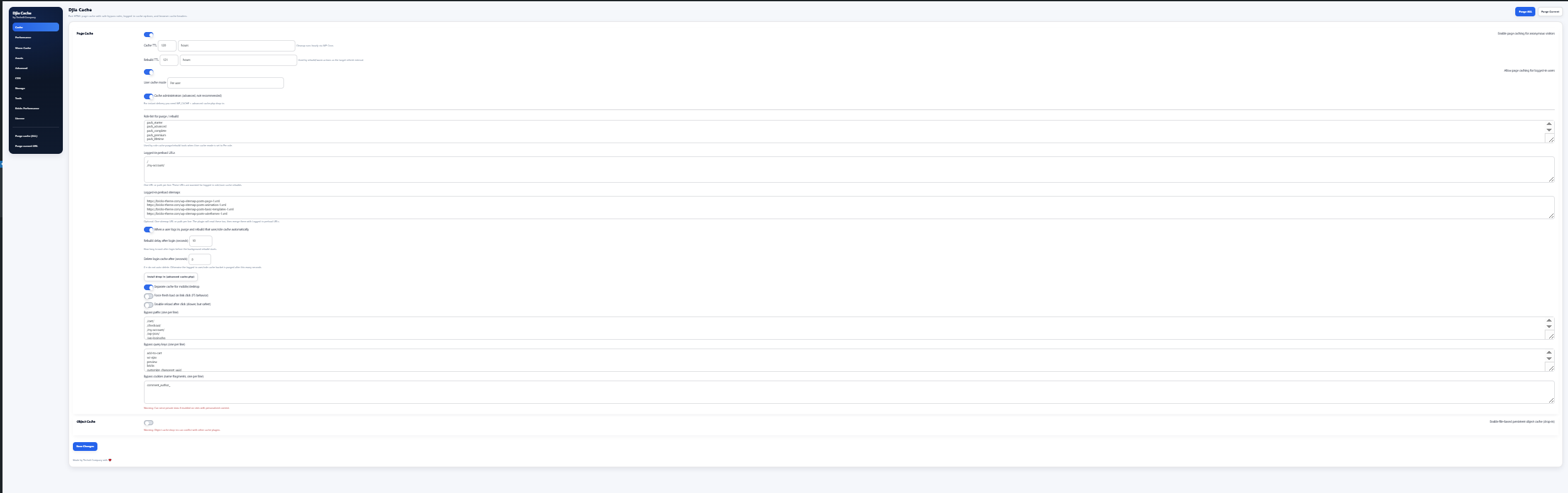
Cart, checkout and account pages are excluded out of the box — no rule to write, nothing to remember.
The mini cart keeps updating. add-to-cart and wc-ajax requests bypass the cache by parameter.
Product edits purge only what they touch. Background imports can be told not to touch the cache at all — so a nightly feed of 4,000 products doesn’t flush your whole site every night.
Logged-in users
Most plugins give up here. You get three modes.
Pick the one that matches what your logged-in visitors actually see.
Off
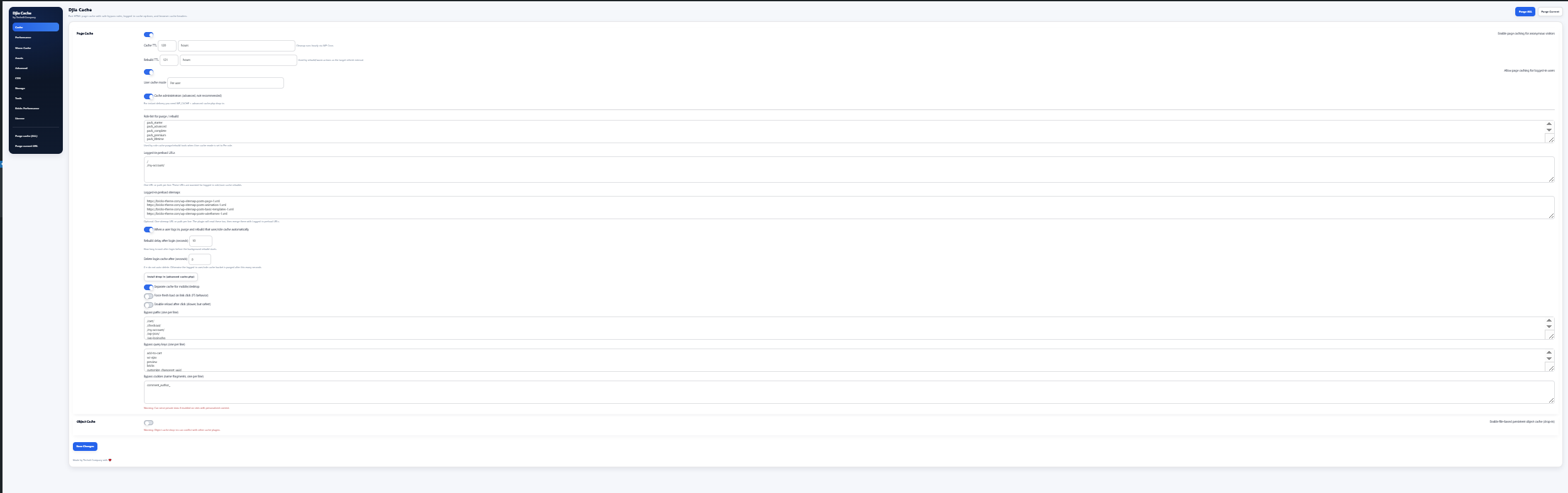
Logged-in visitors are never served from the page cache. The default, and the safest setting where every account sees something personal.
Per role
One cache entry per role. Every subscriber shares a page, every customer shares another. Right for a members area where the view depends on the role, not the person.
Per user
One entry per account. The most accurate and the most disk-hungry — for dashboards where everyone genuinely sees their own data.
No Redis required. The persistent object cache is a file-based drop-in — the same idea, on the hosting that doesn’t offer Redis, which is still most of it.
Setup
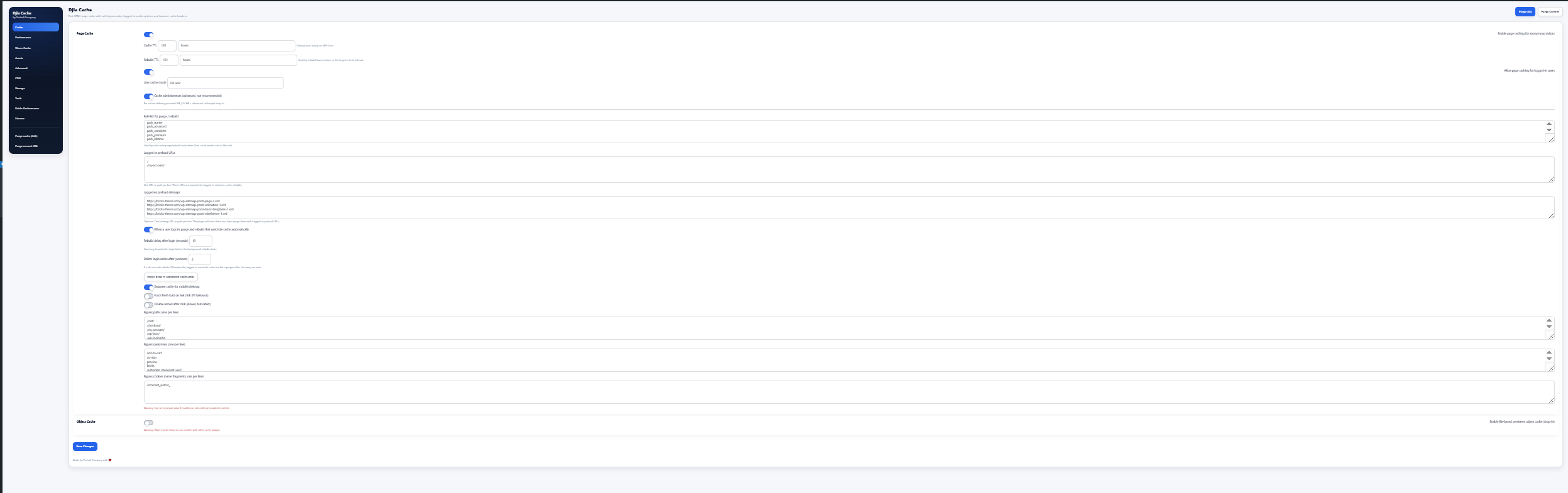
Switch things on in this order and nothing breaks.
Turning everything on at once is how people end up with a broken layout and no idea which setting caused it. This order works on nearly every Bricks site.
Page caching
The single biggest win. Safe everywhere.
Headers & gzip
Browser cache headers and compression.
Static assets
Long-lived caching for CSS, JS, fonts.
Lazy load & LCP
Images, iframes, the hero preload.
Delay JS, then CSS
One switch at a time, testing after each.
FAQ
Questions Bricks users actually ask.
Taken from the Bricks forum threads where these come up.
Read the full documentationDoes it work with the Bricks query loop?
Yes. Loops are cached as part of the page, and Djia Bricks filter requests are served from the drop-in.
Will it break my layout?
Page caching will not. The asset options can, which is why they are off by default and switched on one at a time. There is a dedicated guide for isolating the one that caused it.
I’m on LiteSpeed, NGINX or Apache. Does that matter?
All three are supported. Apache and LiteSpeed also get a server-level fast path that skips PHP entirely for eligible cached pages.
Do I need Redis?
No. The object cache is file-based, so it works on shared hosting too.
Test this Bricks Builder cache plugin on your own Bricks site.
Seven days, every feature, no limitations. Run PageSpeed before and after on your own build — that is the only test that answers the question.