
Techoli products for WordPress and Bricks Builder
Bricks Builder plugins, templates, managed hosting and performance tools — everything we build at Techoli, designed for WordPress and Bricks Builder professionals worldwide. Start with DJIA Cache, our WordPress cache plugin, or compare the licence options.
Get the full stack of Bricks Builder plugins
Combine DJIA Cache, Djia Bricks, premium hosting and templates for the ultimate Bricks Builder setup. Fast, feature-rich and production-ready out of the box.
The four products are built to be used together, and that is the point of the stack: the Bricks Builder plugins add the elements and modules a real project needs, the templates give you a production-ready starting layout instead of a blank canvas, the cache plugin makes the result fast, and the hosting gives all of it a server that is not the bottleneck. Each one also works perfectly well on its own, so you can adopt them in whatever order suits the project in front of you.
What ties them together is that they are developed by the same team against the same test sites. Modules are checked for conflicts with each other before release, so enabling caching does not break a filter, and a template does not stop working because an element changed. That is harder to guarantee when the same stack is assembled from four vendors who have never tested against one another.
Built to produce measurable improvements in real WordPress environments. Faster first paint, lower TTFB, cleaner layout stability — without turning your setup into a fragile mess. Designed to work seamlessly alongside Djia Bricks with zero conflicts.
Measured on 5 Oct 2026 on three Bricks Builder sites cached by DJIA Cache. Median TTFB from cache against without it: djia-bricks.com 55 ms vs 1,112 ms, djia-cache.com 53 ms vs 608 ms, techolicompany.com 57 ms vs 495 ms. PageSpeed Insights lab scores on the same day: mobile 95 to 100, desktop 100. Run the test yourself.
The most complete addon for Bricks Builder. 15 independent modules — Pro Forms, AJAX Filters, WooCommerce builder, Conditions, Dynamic Data, Interactions and scroll animations. Works perfectly with DJIA Cache.
A growing library of production-ready templates for Bricks Builder. Launch your next project in minutes, not days. Built with Djia Bricks elements — import and go straight to customising.
Managed WordPress hosting designed for Bricks Builder sites. SSD servers, automatic daily backups, staging environments and one-click SSL — everything you need to go live fast and stay secure.
biznis.co.rsHow the four Bricks Builder plugins fit together
On this page
Djia Bricks — the element library
Bricks ships with the elements a builder needs to exist: containers, headings, images, a query loop. What it does not ship with is the second layer every real project runs into — a form that validates and posts somewhere, filters that narrow a product grid without reloading the page, a WooCommerce layout you can design rather than style around.
Djia Bricks is that layer, and it is organised as fifteen independent modules rather than one switch. Pro Forms with 48 field types and 40 actions, AJAX Filters for any query loop, the WooCommerce builder, conditional logic and the rest can each be left off, which matters because an addon that loads everything is an addon that slows the site it was meant to improve.
The practical effect is fewer plugins. A typical Bricks project assembles a forms plugin, a filter plugin, a slider and a conditions plugin from four vendors who have never tested against each other, and every update is a small gamble. One library tested as a unit removes that whole class of problem, and it removes the four separate stylesheets and script bundles with it.
Over four hundred elements sounds like more than anyone needs, and it is — on purpose. You enable the modules a project uses and the rest never load, so the element list in the builder stays short while the library behind it stays broad enough for the next project.
Bricks Templates — the starting layouts
A template is worth having when it saves the part of a project that is genuinely slow. Not the colours and not the copy, which change anyway, but deciding a structure, building the sections and wiring the loops that pull real content into them.
These are production layouts rather than demos. The query loops are real, the responsive breakpoints are set at every size rather than only on desktop, and nothing collapses when you replace the placeholder content with text of a different length. That last point is where most template libraries fail, because a layout built around one perfect sentence breaks on the second.
They are built with Djia Bricks elements, which is the reason they can be this complete. A template that only uses core Bricks elements cannot include a filtered product grid or a multi-step form, because those elements do not exist. A template built on the library can, and it arrives already wired rather than as a picture of what you could build.
Agency pages, portfolios, WooCommerce stores and landing pages are covered, and the set grows rather than being frozen at launch. Importing one gives you a structure to edit, not a design you have to live with.
One more thing worth knowing before importing: a template is a starting point for a page, not a theme. It brings its own sections and its own spacing, and it inherits your colours and type from the theme styles you already set, so a page imported into a site with an established palette comes out looking like that site rather than like a demo. If it does not, the cause is almost always a colour defined on an element instead of as a variable, which is a five-minute fix and worth doing once properly.
DJIA Cache — the performance layer
Builder-made sites are heavier than hand-written ones. That is the trade for building visually, and caching is what absorbs it. The first request builds a page and writes it to disk; everything after that is a file read, which is why time to first byte on a Bricks site with caching looks like a static site.
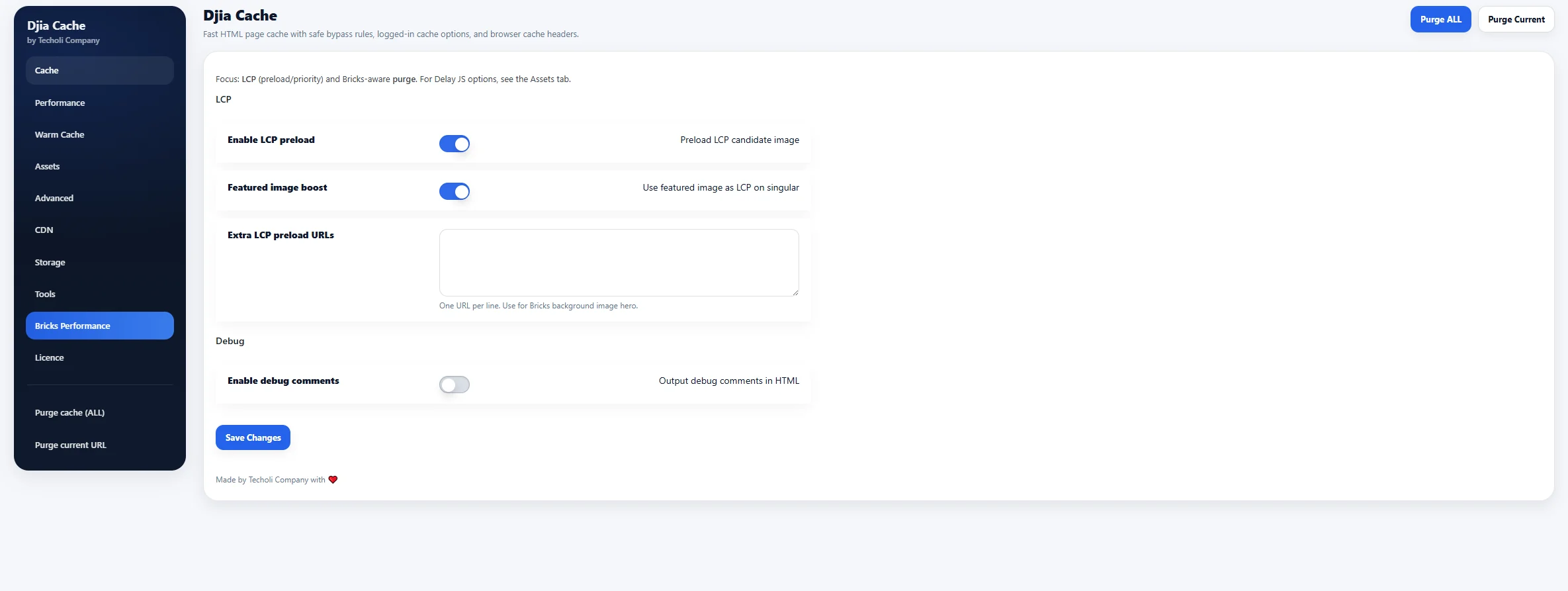
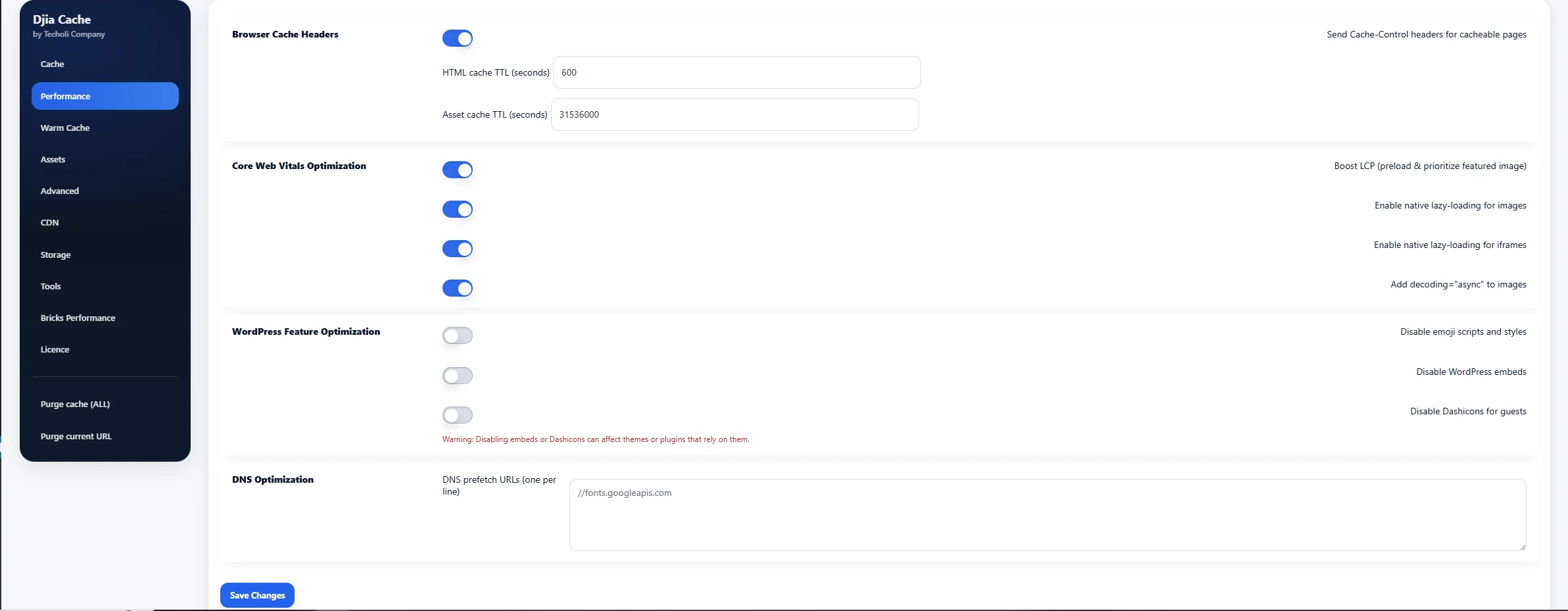
The part specific to Bricks is smaller but matters more than it sounds. The builder prints most of its CSS to generated files, so the hero image that becomes the largest contentful paint is referenced from a stylesheet rather than an image tag, and the browser finds it late. A preload hint in the head fixes that, and emitting it automatically on Bricks pages is what the Bricks module does.
Saving in the builder clears the matching cache entries, so the page you preview is the page you just edited rather than the one from an hour ago. That sounds like a detail until the first time you spend twenty minutes debugging a change that was already correct.
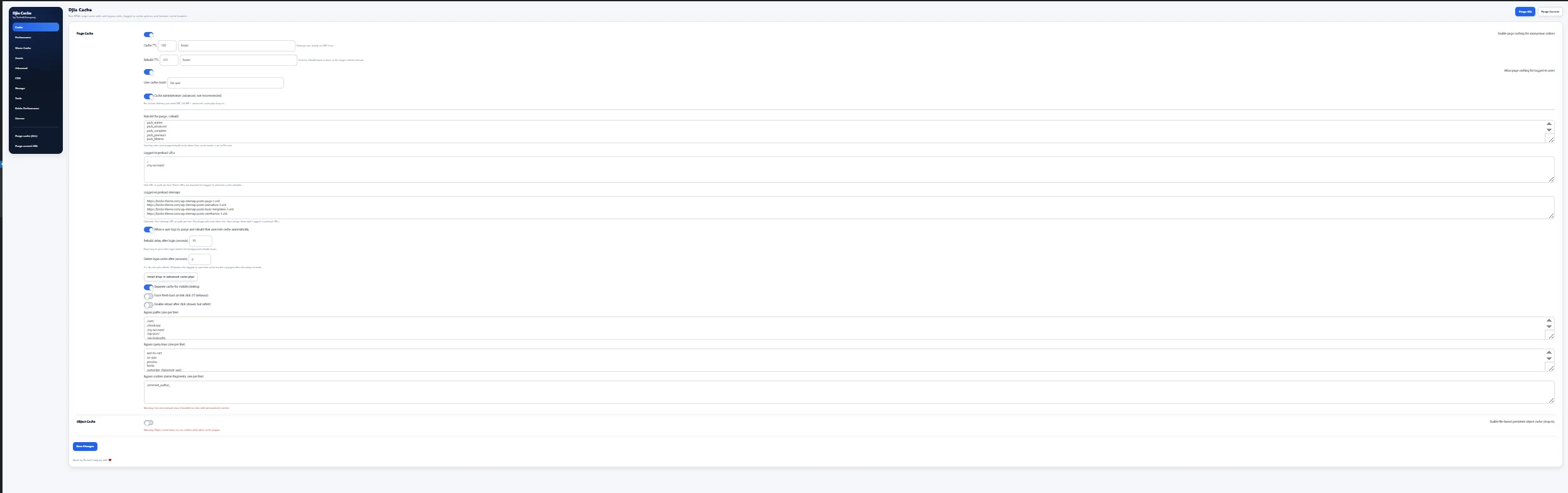
The whole plugin runs on your own site for seven days without a card, which is the only way to know what it does on your stack. The features page lists the modules and the speed tests show them measured.
Hosting — the server underneath
Caching decides how often you pay the cost of building a page. The server decides how large that cost is. The two are not interchangeable, and a site on an oversold shared host with perfect caching still feels slow on everything the cache is not allowed to store.
Building with Bricks makes that more visible than most workflows. Opening a page in the editor loads the whole builder, saving goes through the REST API, and regenerating CSS files writes to disk — all of it on the same server that is answering visitors. An underpowered host is felt by the person building the site long before it is felt by anyone reading it.
NVMe storage, a current PHP version with enough memory, object caching available, daily backups and SSL are the baseline rather than the premium tier. Where a host already caches pages at the edge, the right configuration is fewer plugin modules rather than more, and the hosting notes cover the stacks where that comes up.
Uptime matters in the same quiet way. A 99.9% commitment is roughly forty minutes a month; the difference between that and 99% is most of a working day, and it is usually invisible until the month it is not.
Which one to start with
If you are building something now, start with the element library. It changes what you can build today, and every later decision — which template, how to cache it — is easier once the building blocks are settled.
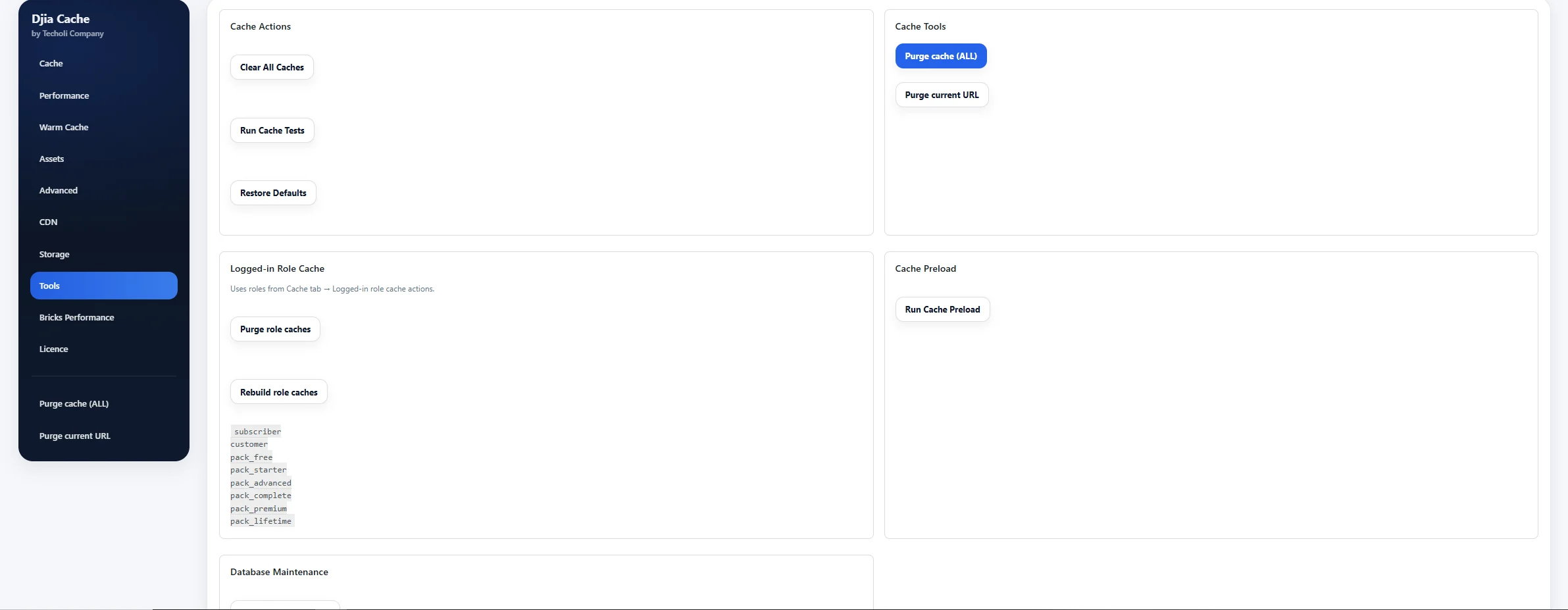
If the site is already live and feels slow, start with the cache plugin instead. It is the one change you can verify in an afternoon: measure time to first byte on three pages, switch on page caching, measure again. Nothing else in this list gives you a number that moves that fast or that unambiguously.
If you are starting a project from nothing, a template first saves the most time, because it hands you a structure that already works and leaves you editing instead of deciding. The library and the cache plugin can follow in either order.
And if the site is on hosting you already suspect, fix that first, because every other improvement is measured against it. A cache plugin on a slow server produces a fast home page and a slow checkout, and the second one is the one that matters.
None of them require the others. They are tested together, which is a different claim from being bundled together.
How the four are tested together
Compatibility is a claim that is easy to make and hard to verify, so it is worth saying what it means here. Each release of the element library is run against the current cache plugin, and each release of the cache plugin is run against the current library, on the same template set that ships as the template library.
That matters most in one specific place: generated CSS. The builder writes stylesheets to disk, the library adds its own, and the cache plugin decides which of them to combine, defer or inline. Three vendors with three opinions about that produce a site that looks correct until the day a cache is purged at the wrong moment. One vendor produces a rule and keeps to it.
The second place is the builder itself. Saving a page has to clear the right cache entries and nothing else, and it has to leave the editor usable while it happens. That behaviour is only testable when the same people own both sides of it, which is the practical argument for taking the stack from one place rather than assembling the cheapest four.
Hosting closes the loop by removing the variable everyone else has to guess at. When the server, the builder addon and the caching layer are all known quantities, a performance number means something. When any one of them is unknown, the number is partly a measurement of your luck.
What is not included
None of these products convert or resize images, generate WebP, or subset fonts. Those jobs belong to tools that own the media library or the build step, and a caching plugin that also rewrites your images is a caching plugin you cannot remove later without consequences.
There is no database cleanup either, for much the same reason: it is a different kind of operation with a different risk profile, and it has nothing to do with how fast a page is delivered. A plugin that offers both is asking you to trust one codebase with two unrelated failure modes.
The template library does not ship content, and that is deliberate too. A template with somebody else’s copy baked into it is a template you spend an hour deleting. What it ships is structure, loops and breakpoints — the parts that take the longest to build and the shortest to describe.
None of it includes site building as a service. These are tools. If you want the work done rather than the parts to do it with, Techoli Company does that separately, and the contact form is the route to it.
And nothing here includes a promise about your score. A PageSpeed number is a function of your host, your theme, your third-party scripts and the particular page being measured; these tools remove the parts they own and leave the rest visible. That is why the speed tests are run on a real site with its URL shown, rather than on a demo built to score well.
Questions
Do I have to buy all four?
No. Each works on its own and none requires another. They are tested against each other, which is a different thing from being sold as a bundle — though the bundle exists if you want the whole stack at once.
Will the plugins conflict with each other?
They are built by the same team against the same test suite, so the usual failure — two vendors both deciding how a query loop should be filtered — does not arise. Conflicts with third-party plugins are handled the ordinary way, with exclusion lists and per-handle control.
Do the templates work without Djia Bricks?
The layouts import, but any section built on a library element will be missing that element. In practice the templates assume the library, which is why they can include filtered grids and multi-step forms at all.
Is the hosting required to use the plugins?
No. Both plugins run on any host that meets the usual WordPress requirements. The hosting exists because a good server makes both of them look better, not because either depends on it.
How do I try any of this?
The cache plugin has a seven-day trial without a card on the pricing page. For the others, each product page lists what is included, and the contact form is the fastest route to a specific question.
The company behind DJIA Cache, Djia Bricks, Bricks Templates and our hosting platform. We build tools and infrastructure for WordPress and Bricks Builder professionals worldwide.
30 North Gould Street
Sheridan WY 82801, United States
Info@techolicompany.com