
99.9%
Stable uptime
Hosting built for businesses that need their sites online, fast, and dependable.
DJIA Hosting is designed for agencies, businesses, and high-performance WordPress sites that need speed, reliability, cleaner infrastructure, and a hosting stack that actually supports growth.
Hosting built for businesses that need their sites online, fast, and dependable.
Lower server response times for cleaner perceived speed and better experience.
Tuned specifically for WordPress sites, plugins, caching, and dynamic workflows.
Hosting that feels managed, not abandoned after signup.
Everything is designed to help WordPress sites load faster, stay more stable, and scale with less operational stress.
Built to support faster WordPress delivery with a cleaner stack, proper caching, and better response behavior.
Safer hosting with proactive handling, cleaner server environments, and lower risk of broken production sites.
Reliable backup routines so critical websites can recover faster when something goes wrong.
Hosting plans designed to support growing traffic, larger sites, and serious client workloads.
Speed plugins help, but strong hosting is the foundation. A server tuned for WordPress, with caching support at the server level, gives DJIA Cache and your site a faster starting point.
On this page
“Managed” is a word that hosting companies use loosely, so it is worth being specific about what it means here. The managed part is everything between the hardware and your dashboard: the PHP configuration, the web server, the caching layer in front of it, the backup schedule, the monitoring, and the person who answers when one of those stops behaving.
On unmanaged or generic shared hosting, those are your problem. You get a control panel, a PHP version selector and a support team whose job ends at the operating system. Everything above that — whether OPcache is sized correctly for your site, whether the database has enough memory to hold your working set, whether a cron storm at midnight is what makes the site slow on Tuesdays — is left to you or to whoever you pay to look at it.
Managed WordPress hosting moves that boundary upward. The stack arrives already tuned for WordPress rather than for PHP in general, which mostly means fewer surprises: sane defaults for upload size and execution time, object caching available without a plugin fight, and a server-level cache that knows what a WordPress login cookie is.
None of that removes the need to configure your own site well. It removes the part where you cannot tell whether the problem is your site or the server underneath it.
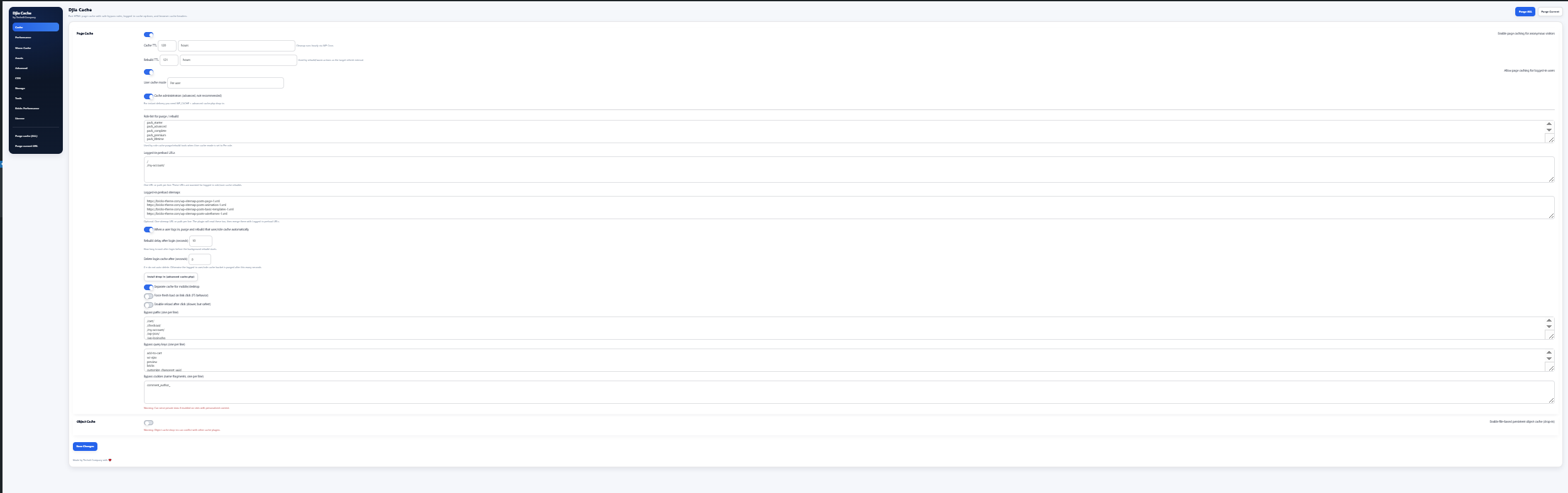
A caching plugin can only remove work that was going to happen. It cannot make the remaining work faster. That distinction is the whole argument for caring about hosting.
Think about what a cached request costs: read a file from disk, send it. On any competent server that is a few milliseconds, and the difference between hosts at that point is small. Now think about an uncached request — a checkout, a search, a logged-in dashboard, the first visit after a purge. That request runs PHP, queries the database, and the time it takes is decided entirely by the server’s CPU, its memory and how many other sites are competing for both.
Every site has those requests. You can reduce how many there are, which is what a cache does, but you cannot reduce them to zero, and the ones that remain are usually the commercially important ones. A shop that is instant on category pages and takes four seconds at checkout has a hosting problem, not a caching problem.
This is also why identical plugin settings produce different numbers on different hosts, and why a speed test on somebody else’s demo site tells you about their server rather than about the plugin. The plugin sets how often you pay the cost. The server sets how much the cost is.
Bricks sites have a particular shape, and a stack that knows about it behaves better than one that does not.
The builder itself is heavy. Opening a page in Bricks loads the whole editor, saves through the REST API and regenerates CSS files on every save. On a cramped server that is where you first notice the problem: the front end seems fine, and editing feels like wading. Enough PHP memory and a sensible execution time limit are not optimizations here, they are the difference between a builder that works and one that times out on a long page.
Generated CSS is the other detail. Bricks writes per-page stylesheets to the uploads folder, and anything that makes writing or serving those files slow — a network filesystem, aggressive file scanning, a cache that does not invalidate them — shows up as pages that look unstyled for a moment after you save. A stack configured for Bricks serves those files with the right headers and does not fight the builder over them.
Then there is the LCP problem, which is a Bricks property rather than a hosting one: hero images referenced from generated CSS are discovered late by the browser. That is what the plugin’s Bricks module is for, and it works best when the server is already sending the document quickly.
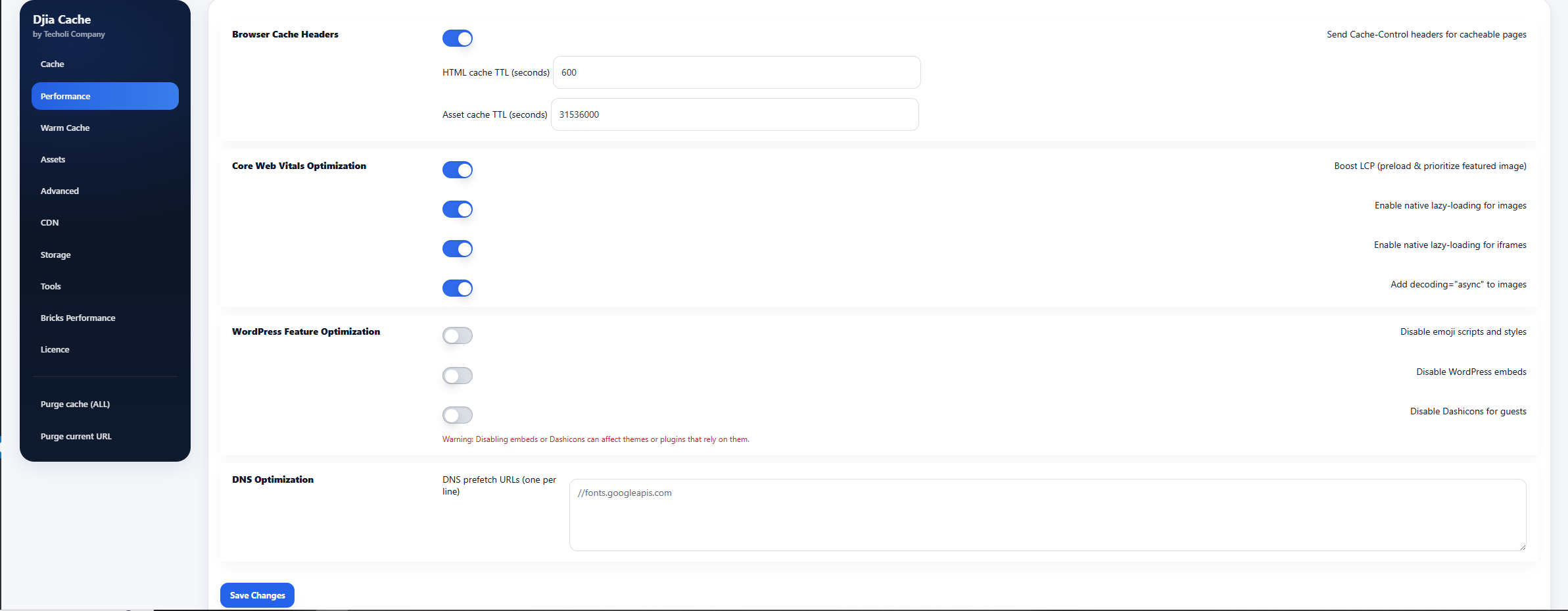
A shop is the hardest thing most people put on WordPress, and it stresses a server in ways a content site never does.
Three pages can never be cached: cart, checkout and account. Every request to them runs the full stack, and they are the pages where a slow response costs money directly. Everything that makes those faster happens on the server — database performance, PHP execution, and having the object cache available so repeated queries are not repeated.
Behind the shop sit the jobs nobody sees. Order emails, stock synchronisation, abandoned-cart timers, subscription renewals and whatever your payment gateway does on a schedule all run through WP-Cron, which on a default WordPress install fires on page loads. On a busy shop that is both unreliable and expensive. A proper server-side cron running at a fixed interval fixes the reliability and takes the work off visitor requests.
Storage matters too, more than people expect. Order tables grow continuously, and a database that has outgrown the memory available to it gets slow in a way no caching layer can hide, because the queries involved are exactly the ones you are not allowed to cache. Headroom there is worth more than a faster CPU.
A backup you have never restored is a hope, not a backup. The questions worth asking a host are how often it runs, how far back the copies go, how long a restore takes and whether you can perform one yourself without opening a ticket.
Daily is the usual cadence and it is right for most sites. For a shop it is worth thinking in terms of orders rather than days: a backup taken at 03:00 and restored at 18:00 loses a day of trading, which is why database copies are taken more often than full-site ones and why exporting orders regularly is still a sensible habit of your own.
Monitoring is the half that decides whether a backup is ever needed. Uptime checks catch the obvious failure. More useful are the quieter ones — response time drifting upward over a week, error rates climbing after a plugin update, disk filling because something is logging too much. Those are the conditions that become outages if nobody is watching, and watching them is a large part of what managed means.
When something does break, what matters is how quickly the cause is identified. Server-level logs, a recent backup and someone who can read both is usually the difference between twenty minutes and a bad afternoon.
Moving a live site is routine when it is done in the right order, and nerve-racking when it is not. The order is what removes the risk.
Copy first, cut over last. The whole site — files and database — is moved to the new server and brought up on a temporary address while the old one keeps serving traffic. Nothing a visitor sees has changed at this point, and you have as long as you need to work through the list: PHP version, file permissions, cron, email delivery, SSL, and every page that matters loaded once in a browser.
For a shop there is one extra step. Orders placed after the copy was taken exist only on the old server, so the database is synced again immediately before the switch, and the shop is put into maintenance for the few minutes that takes. It is the only interruption in the process and it is measured in minutes rather than hours.
Then DNS changes, with the TTL lowered a day beforehand so propagation is quick. Both servers stay live during the changeover, so visitors reaching either one get a working site. The old host is cancelled a week later, not the same afternoon — migration help is included here, and that last week of overlap costs little and removes the only genuinely irreversible step.
Hosting is easy to over-specify, because the specification is the only thing you can compare before you buy. Two numbers are worth paying attention to and the rest usually follow.
The first is memory. A WordPress site holds its working set in PHP memory and its data in the database’s buffer pool, and when either runs short the symptom is the same: things that used to be fast become unpredictable. A shop with a large catalogue or a site with many plugins needs headroom here long before it needs more CPU.
The second is how much uncached traffic you actually serve. Count logins, checkouts, searches and admin work rather than page views. A site with fifty thousand monthly visitors who all read articles is a lighter load than one with five thousand who all have accounts, and the plan that fits is decided by the second number.
Disk size matters least until it suddenly matters: order tables, backups and media grow quietly, and a disk at ninety percent is a real risk rather than a theoretical one. Watch it twice a year.
If none of this is obvious for your site, the practical answer is to start at the plan that matches what you run today and adjust once there is real data. Moving between plans is a resize, not a migration, so the cost of guessing low is an afternoon rather than a project.
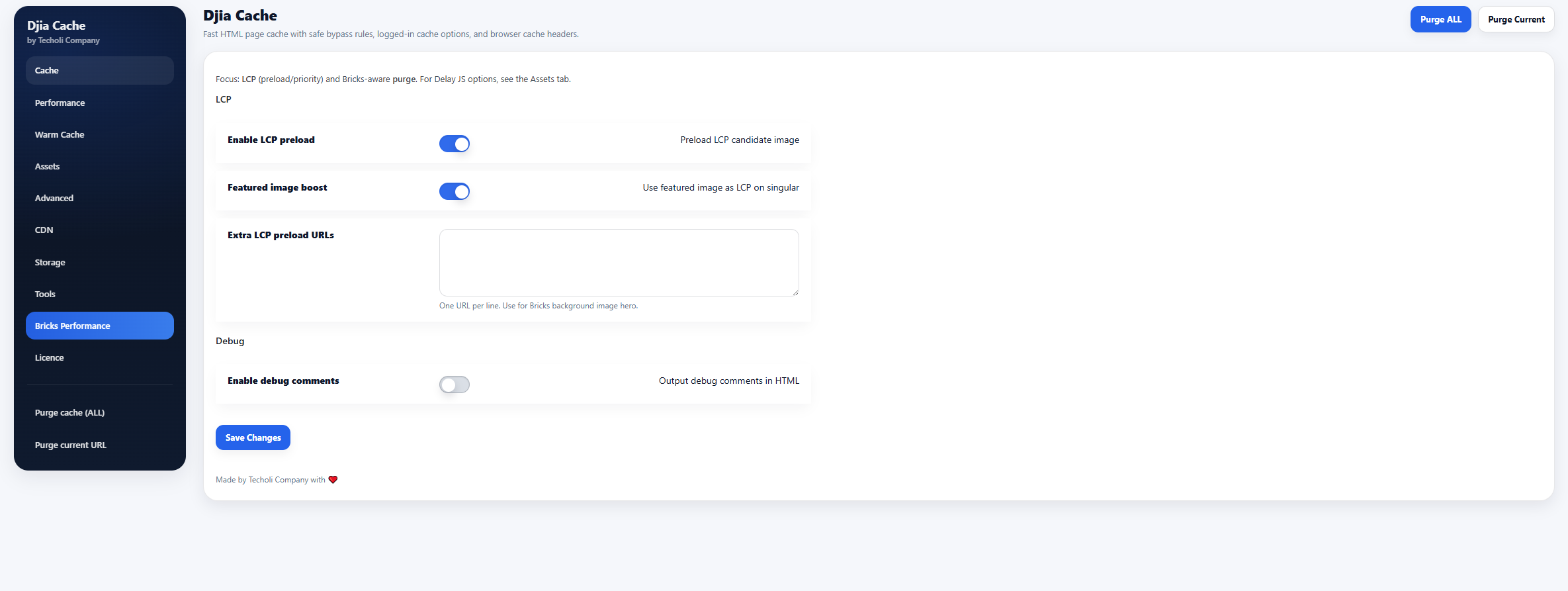
Most sites break during an update, not during normal traffic. A plugin changes a hook, a theme ships a new template, WooCommerce moves a function, and the first time anyone finds out is when a customer cannot check out. Staging is what turns that from an incident into a Tuesday afternoon.
A staging environment is a copy of the live site — same PHP version, same plugin set, same data — on an address nobody but you uses. Updates go there first. You load the pages that earn money, place a test order, log in as a customer, and only then repeat it on production. It sounds obvious and almost nobody does it, because on most hosting setting one up is a half-day of work rather than one click.
The detail that matters is how the copy is made. A staging site built from a backup taken last week is testing against data that no longer exists, which is how an update passes on staging and fails live. The copy should be made at the moment you need it, and discarded afterwards rather than left to drift.
Pushing back is the other half. Copying the whole staging database over production would overwrite every order placed since the copy was taken, so the safe direction is files first and database changes applied deliberately. For a content site a full push is usually fine. For a shop it almost never is, and knowing which one you have is the difference between a routine update and a bad week.
None of this replaces backups. It reduces how often you need them, which is a different and better thing.
Yes, for anything beyond basic page caching. Server-level caching handles the simple case well, but it has no idea which of your pages are personal, when a post changed, or which image a Bricks layout paints first. Those decisions live in WordPress, which is where the plugin operates.
They can, which is why the configuration is set up to divide the work rather than duplicate it. The usual arrangement is that one layer owns page caching and the other handles assets and headers. Running two full page caches that disagree about who is logged in is the specific thing to avoid.
The domain moves with a DNS change and does not need transferring. Email is worth separating: if your mail currently runs on the same host as the site, point the MX records at a dedicated mail provider during the move rather than afterwards.
Cached traffic absorbs a spike easily, since those requests barely touch PHP. The limit is uncached traffic — checkouts, logins, searches. If a campaign is coming, say so beforehand and the resources can be adjusted for it rather than after the fact.
Plans are billed per period with no long tie-in, and migration assistance is part of onboarding rather than an extra. If it does not suit your site, taking it elsewhere is your decision and your data goes with you.
Whether you run a business site, WooCommerce store, or client portfolio, DJIA Hosting gives you a faster, cleaner, more reliable environment built around serious WordPress performance.