
DJIA Cache – Cache Tab
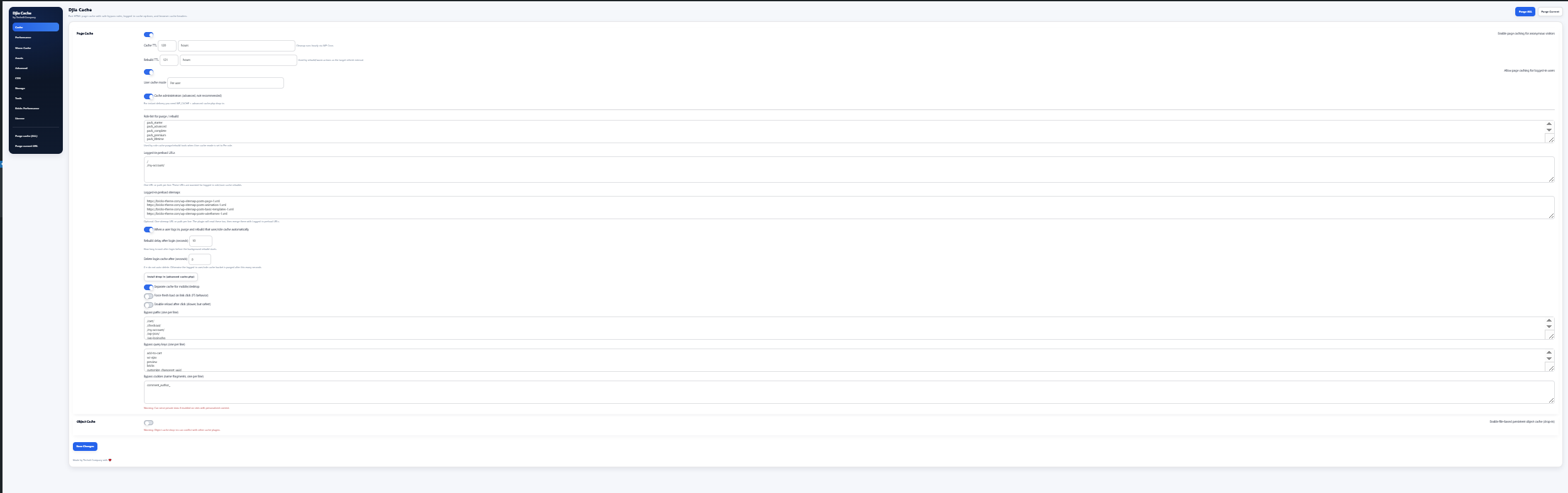
The Cache tab contains the main settings used to control how DJIA Cache handles page caching, logged-in caching, cache rebuilding, and object caching.
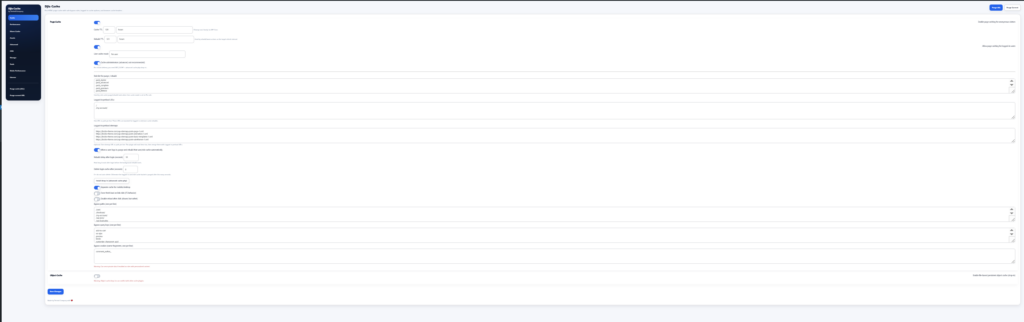
Page cache settings in the Cache tab
Enable page caching for anonymous visitors
Enables full HTML page caching for visitors who are not logged in.
This significantly reduces:
- server load
- page generation time
- database queries
Cached pages are served instantly without running WordPress PHP on every request.
Cache TTL
Defines how long cached pages remain valid.
Example:
120 hours
After this time the cache expires and will be regenerated.
Cleanup runs automatically via WP-Cron.
Rebuild TTL
Defines how often the plugin should rebuild or warm the cache.
Rebuild generates new cache files before the previous ones expire to ensure the cache always stays warm.
Example:
121 hours
Allow page caching for logged-in users
Enables caching for logged-in users.
Only enable this when:
- logged-in users see the same content
- there is no personalized or dynamic data
User Cache Mode
Controls how cache is generated for logged-in users.
Off
Logged-in users are never served from the page cache. This is the default, and the safest setting on any site where logged-in visitors see personalised content.
Per role
One cache entry is generated per user role. Every subscriber sees the same cached page, every customer sees another one, and so on. This is the right mode when logged-in views differ by role but not by individual user — a members area, for example.
Per user
One cache entry is generated per user. It is the most accurate mode and the most expensive one in disk space, so it suits sites with a limited number of logged-in accounts rather than a large membership.
Cache administrators (advanced, not recommended)
Includes administrator sessions in the logged-in cache. It is switched off by default for a reason: an administrator view frequently contains admin bars, notices and draft content that must not reach a cached page. Enable it only if you know exactly what an administrator sees on the front end.
For instant delivery you also need WP_CACHE enabled in wp-config.php and the advanced-cache.php drop-in installed.
Role list for purge / rebuild
Defines which roles should have their cache purged and rebuilt.
Example:
subscriber
customer
pack_free
pack_starter
pack_advanced
Used when User Cache Mode = Per role.
Install drop-in (advanced-cache.php)
Installs the WordPress advanced cache drop-in.
This allows the cache to load before WordPress starts, enabling maximum performance.
Benefits:
- faster response time
- earlier cache interception
- reduced PHP execution
Separate cache for mobile / desktop
Creates separate cache versions for:
- mobile devices
- desktop devices
Useful when the theme loads different layouts or CSS for mobile visitors.
Bypass paths
Requests matching these paths will skip the page cache.
Example:
/cart/
/checkout/
/my-account/
/wp-json/
/wp-login.php
Typically used for:
- WooCommerce
- login pages
- API endpoints
Bypass query keys
If a request contains any of these query parameters, caching will be skipped.
Example:
add-to-cart
wc-ajax
preview
bricks
customize_changeset_uuid
Bypass cookies
If a visitor has cookies matching these fragments, page caching will be bypassed.
Example:
comment_author_
⚠ Warning:
Using cookie bypass on sites with personalized content may cause private data to be served from cache.
Object Cache
Controls the persistent object cache drop-in, which stores the results of repeated database queries between requests.
Enable file-based persistent object cache (drop-in)
Installs a file-based persistent object cache drop-in. Without it, WordPress keeps its object cache only for the duration of a single request, so the same queries are repeated on every page load. With it, results survive between requests, which mainly helps pages that cannot be served from the page cache — cart, checkout, account and the admin.
Warning: object cache drop-ins can conflict with other cache plugins. Only one drop-in can be installed at a time, so if another plugin has already placed its own object-cache.php, disable that one first.
Related documentation
- Bricks Builder cache plugin
- DJIA Cache – How To Exclude Pages & Content
- DJIA Cache – Warm Cache Tab
- DJIA Cache – Performance Tab
Further reading: Time to First Byte explained on web.dev.