
Hosting & Server Compatibility
Server compatibility is rarely an obstacle: DJIA Cache writes its own rules and falls back safely when a directive is unavailable. The sections below list the web servers, PHP versions and hosting types that are supported.
DJIA Cache is designed to work smoothly across all major hosting providers and server environments. Whether your website is hosted on shared hosting or a high-performance cloud server, DJIA Cache delivers reliable caching and performance improvements without requiring complex server configuration.
The plugin automatically adapts to different server setups and works with the most common WordPress hosting environments.
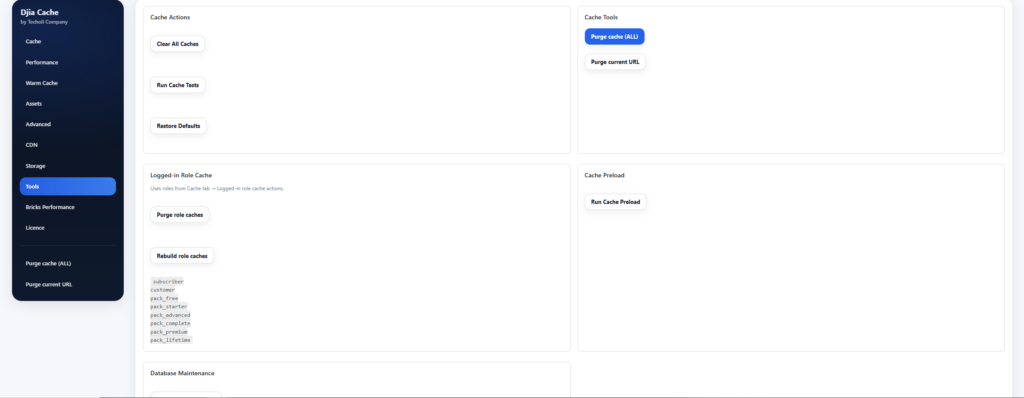
Server compatibility: supported server types
DJIA Cache is compatible with all popular web server software used by WordPress hosting providers.
Supported servers include:
- Apache
- Nginx
- LiteSpeed
- OpenLiteSpeed
No special server configuration is required in most cases. DJIA Cache automatically detects the environment and applies the appropriate caching logic.
Supported Hosting Types
DJIA Cache works with all major hosting types, including:
- Shared hosting
- VPS servers
- Dedicated servers
- Managed WordPress hosting
- Cloud hosting platforms
The plugin is optimized to run efficiently even on lower-resource environments while still scaling well on high-performance infrastructure.
Compatible Hosting Providers
DJIA Cache has been tested and works well with many popular WordPress hosting platforms, including:
- SiteGround
- Cloudways
- Kinsta
- Rocket.net
- WP Engine
- GridPane
- RunCloud
- SpinupWP
- Pressable
- InstaWP
The plugin also works with any hosting provider using standard control panels such as:
- cPanel
- Plesk
Cloud Hosting Platforms
DJIA Cache is compatible with WordPress installations hosted on cloud infrastructure platforms, including:
- Amazon Web Services (AWS)
- DigitalOcean
- Google Cloud Platform (GCP)
- Vultr
- Linode
These environments are commonly used with server management tools such as RunCloud, GridPane, or custom Nginx stacks.
Automatic Server Cache Purging
Some hosting providers implement additional server-level caching or edge caching systems.
When content is updated, these server-level caches may need to be cleared.
DJIA Cache is designed to work alongside these systems and can trigger cache refresh events when:
- posts are updated
- pages are edited
- products are changed
- new content is published
This helps ensure visitors always see the latest version of your content without needing manual cache clearing.
Compatibility With Other Cache Layers
DJIA Cache can operate alongside other performance layers such as:
- CDN caching
- reverse proxy caching
- server-level page caching
However, it is generally recommended to avoid running multiple WordPress page cache plugins at the same time, as this may lead to unexpected behavior.
Best Practices
For the best results when using DJIA Cache:
- Disable other page caching plugins
- Keep server software updated
- Use a CDN for global performance
- Test cache behavior after enabling advanced optimizations
Related documentation
- System Requirements for DJIA Cache
- How to Install and Activate DJIA Cache
- WooCommerce & E-commerce Compatibility
Further reading: WordPress hosting requirements.