
Multi-Currency Plugin Support
DJIA Cache is compatible with most popular WooCommerce multi-currency plugins and correctly handles caching for each currency version of a page.
This ensures visitors always see the correct prices while still benefiting from high-performance page caching.
Multi-currency plugin support works the same way as multilingual support: DJIA Cache varies the cache by the currency cookie, so a visitor browsing in EUR never sees prices cached in USD.
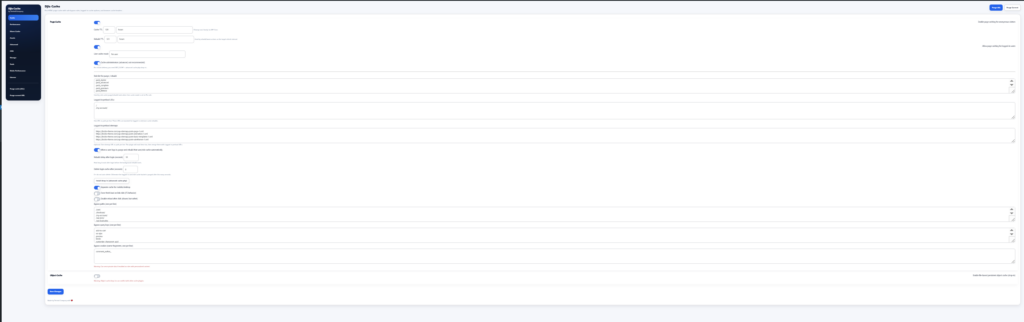
Multi-currency plugin support: tested plugins
DJIA Cache has been tested with several widely used WooCommerce currency switchers, including:
- Aelia Currency Switcher
- CURCY – Multi Currency for WooCommerce
- WooCommerce Multilingual (WCML)
- YITH Multi-Currency Switcher
These plugins allow customers to switch between multiple currencies on WooCommerce stores.
Cache Behavior
When multi-currency plugins are active, DJIA Cache automatically adapts its caching logic to ensure correct pricing is displayed.
Separate Cache Per Currency
Each currency version of a page is cached independently.
Example:
/product/shoes/?currency=USD
/product/shoes/?currency=EUR
/product/shoes/?currency=GBP
Each currency generates its own cache entry so users always see prices in the selected currency.
Default Currency Preloading
During cache preload or warm cache operations, DJIA Cache automatically preloads pages using the default store currency.
This ensures the primary version of the site is always cached and ready for visitors.
Other Currencies Generated on First Visit
Additional currency versions are created when they are first requested by visitors.
Once generated, these versions are stored in cache and served instantly on future visits.
Best Practices
To ensure the best performance when using multi-currency plugins:
- keep the default currency enabled for preload
- avoid disabling WooCommerce AJAX price updates
- ensure currency switching relies on cookies or query parameters
Compatibility Notes
DJIA Cache correctly handles currency switching mechanisms based on:
- cookies
- query parameters
- URL structures
If your multi-currency plugin uses a custom method for switching currencies, you may need to configure cache bypass rules or cookie exclusions.
If pricing appears incorrect after enabling caching, check the cookie or query parameter used by your currency plugin and ensure DJIA Cache separates the cache accordingly.
Related documentation
- Multilingual Plugin Support
- WooCommerce & E-commerce Compatibility
- Page Builder, Theme, and Plugin Integrations
Further reading: WooCommerce.